Chicken Road
The road is the problem. This is the chicken-crossing arcade game added to Y8 in 2019, so use the exact source link here when you want traffic dodging rather than another game sharing its name.
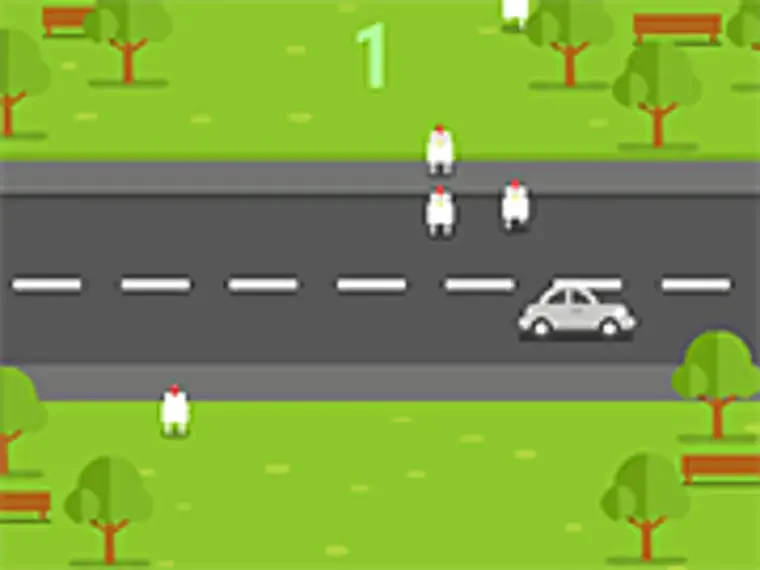
Watch a gap before using it
Let one traffic pattern pass first. Read the opening control prompt and see how your first interaction affects the chicken, then judge the nearest danger instead of tapping quickly just because the destination looks clear.
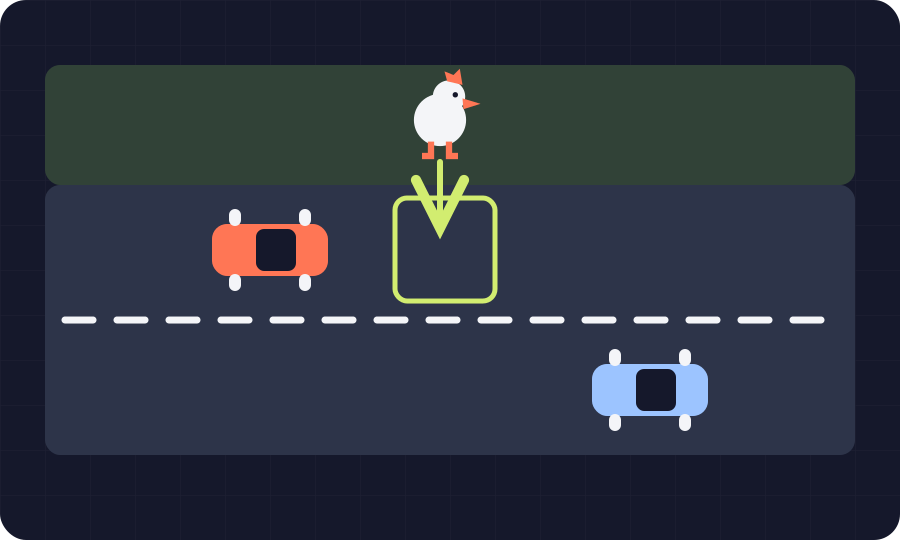 NevoLudi illustration of the idea; not a game screenshot.
- Developer
- Not credited on the host page
- Devices
- Desktop and mobile listed by Y8
- Main input
- Mouse / touch interaction; follow the game prompt
- Access
- Free Y8 arcade game; advertising may appearNo NevoLudi login; Y8 comments and profile features are separate
A small premise that asks for real attention
Simple doesn't mean absent-minded. We would pick this for the satisfying little decision of when to cross, but choose a puzzle instead if interrupted attempts and a road full of moving obstacles are likely to annoy you.
Read the danger closest to the crossing
Start near the chicken. Our suggestion is to identify the next obstacle that can affect your crossing before looking further ahead, because a clear destination doesn't tell you whether the space between is safe.
Make your first input a control check
Don't assume another game's controls. Y8 describes interaction rather than a detailed button map, so let the game's own prompt establish what a click or tap does before borrowing habits from a different chicken-crossing title.
A failed attempt can answer one useful question
Ask what you misread. Instead of immediately repeating the same timing, decide whether you watched the wrong vehicle, acted before understanding the control or simply lost track of the nearest moving obstacle during the crossing.
What to press.
What it does.
| Input | Result |
|---|---|
| Mouse or touchscreen | Interact as directed by the in-game prompt; Y8 does not publish a fuller control map |
| Y8 fullscreen control | Enlarge the game area when available |
A couple of traps
worth dodging.
Looking at the finish instead of the danger
Bring your attention back closer. If you're already watching the far side of the road, check the moving obstacle nearest the crossing before your next input and see whether your timing becomes easier to judge.
Tapping again without reading the response
Give your input a moment to register. On your first attempt, observe what one deliberate interaction does before adding another, especially on a phone where a finger can hide the part of the road you're judging.
A closer look at the decisions.
This might be your thing.
Choose it when the premise should be immediate. If you want a recognisable obstacle and a clear reason to watch the screen, crossing chickens gives you that focus without asking you to study a cockpit or element chart first.
The bit to think twice about.
The host description is brief. We aren't assigning a developer, precise level count, save system or extra keyboard controls that Y8 doesn't document, and its mobile listing should still be checked against your actual screen size.
Before you open the game.
Which Chicken Road does this guide cover?
The Y8 arcade entry from December 2019. Follow the source link shown above rather than searching by name alone, because another title using the same words may have completely different mechanics and conditions of play.
Can I play it on a phone?
Y8 lists mobile as supported. Try the game area before settling in, since the host can show a screen-size warning and your ability to see the traffic matters more than a general compatibility label.
Do I need a Y8 profile?
NevoLudi asks for no account. The Y8 page advertises free browser play while its comments and profile features have separate sign-in prompts, so distinguish those optional platform features from the game's own start screen.