Airline Pilot Simulator 3D
The runway is only the beginning. This passenger-aircraft game links departure, instructions and arrival into a flight, so it suits someone who wants to manage a journey rather than simply fling a plane skyward.

Locate power before touching pitch
Find the throttle slider first. Before starting your departure, identify the separate pitch and steering controls, then follow the mission's instructions while keeping your adjustments small enough to understand what each input actually changes.
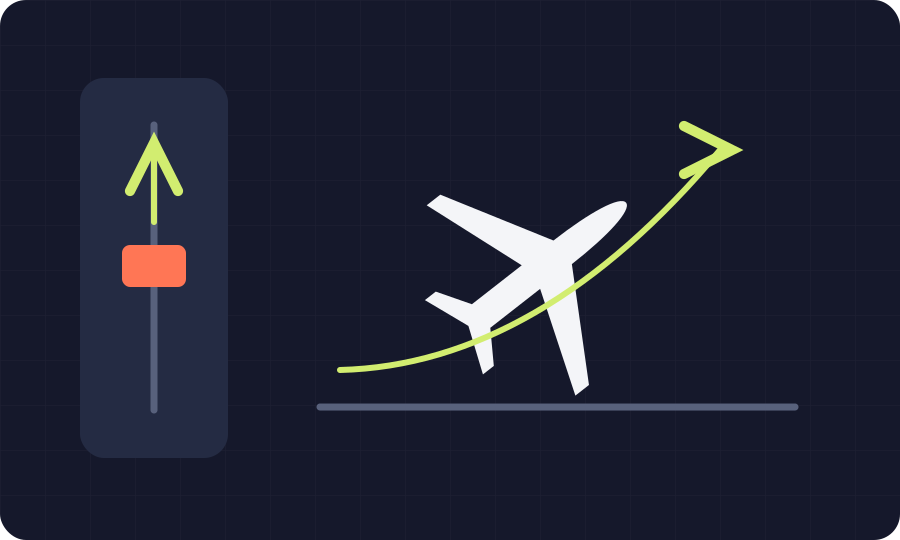 NevoLudi illustration of the idea; not a game screenshot.
- Developer
- London Game Studio LTD
- Devices
- Computer, phone and tablet
- Main input
- Keys or joystick + throttle slider
- Access
- Free browser access on CrazyGames; host advertising may appearNo account needed on NevoLudi; check the host's prompts
Our pick when you want a proper cockpit task
Give this one your full attention. We would choose it over the quicker arcade games here when following a sequence sounds enjoyable, although the extra controls make it a poor match for distracted, one-handed play.
Power and attitude are different jobs
Don't mix up the controls. The published layout separates engine power from the aircraft's attitude, which means a useful first practice session is learning one adjustment at a time instead of treating every key as an accelerator.
Use instructions as a checklist
Read before the next manoeuvre. Missions, weather and air-traffic instructions give the flight its structure, so our suggestion is to finish the current task before chasing another cockpit button or changing your camera again.
A landing deserves its own practice
Taking off isn't the whole lesson. When an approach goes badly, focus your next attempt on the stage that confused you, because repeating a familiar departure won't automatically teach you how to organise the arrival.
What to press.
What it does.
| Input | Result |
|---|---|
| W / S or up / down arrows | Pitch the aircraft |
| A / D or left / right arrows | Roll and steer |
| Throttle slider | Adjust engine power |
| Camera button / Space | Change view / pause on desktop |
| Mobile joystick and on-screen controls | Pitch, roll, throttle and flight functions |
A couple of traps
worth dodging.
Correcting everything at once
Change one thing, then watch. If you move the throttle, steer and switch cameras together, it becomes much harder to connect the plane's response with your input and make a calmer correction next time.
Hunting for buttons during a manoeuvre
Explore the interface while safely paused. On desktop, use the listed pause control to locate the camera and power controls before resuming, rather than searching through unfamiliar buttons when the mission already needs your attention.
A closer look at the decisions.
This might be your thing.
Pick it for a focused break. If you like the idea of departure procedures, changing views and completing a route, the flight structure gives you a clearer purpose than an open-ended game about flying anywhere.
The bit to think twice about.
This isn't flight training. The publisher describes aviation-inspired physics, but you should treat the controls and missions as a game, and expect the browser experience to depend on your device and current host build.
Before you open the game.
Do I need to download a simulator?
The browser version needs no installation. Follow the CrazyGames source link for this exact title, then use the embedded game; any mobile app promoted elsewhere on the platform is a separate way to access games.
Can I use W to increase power?
Use the throttle slider for power. The published desktop controls assign W and S to pitch, so confusing them with acceleration can make your first departure much less predictable than you expected it to be.
Is a phone a sensible place to start?
Mobile controls are listed by CrazyGames. We would still allow time to learn the joystick and on-screen flight buttons before a demanding mission, especially if your thumbs cover important parts of the aircraft view.